Learn
Know the job each part of the pin must do.
A smarter way to improve pins before and after publishing
Learn how to spot what may be hiding a pin's value, identify its biggest creative weakness, and make one focused improvement before or after publishing.
See Your Three OptionsChoose the level of guidance that fits the way you want to work.
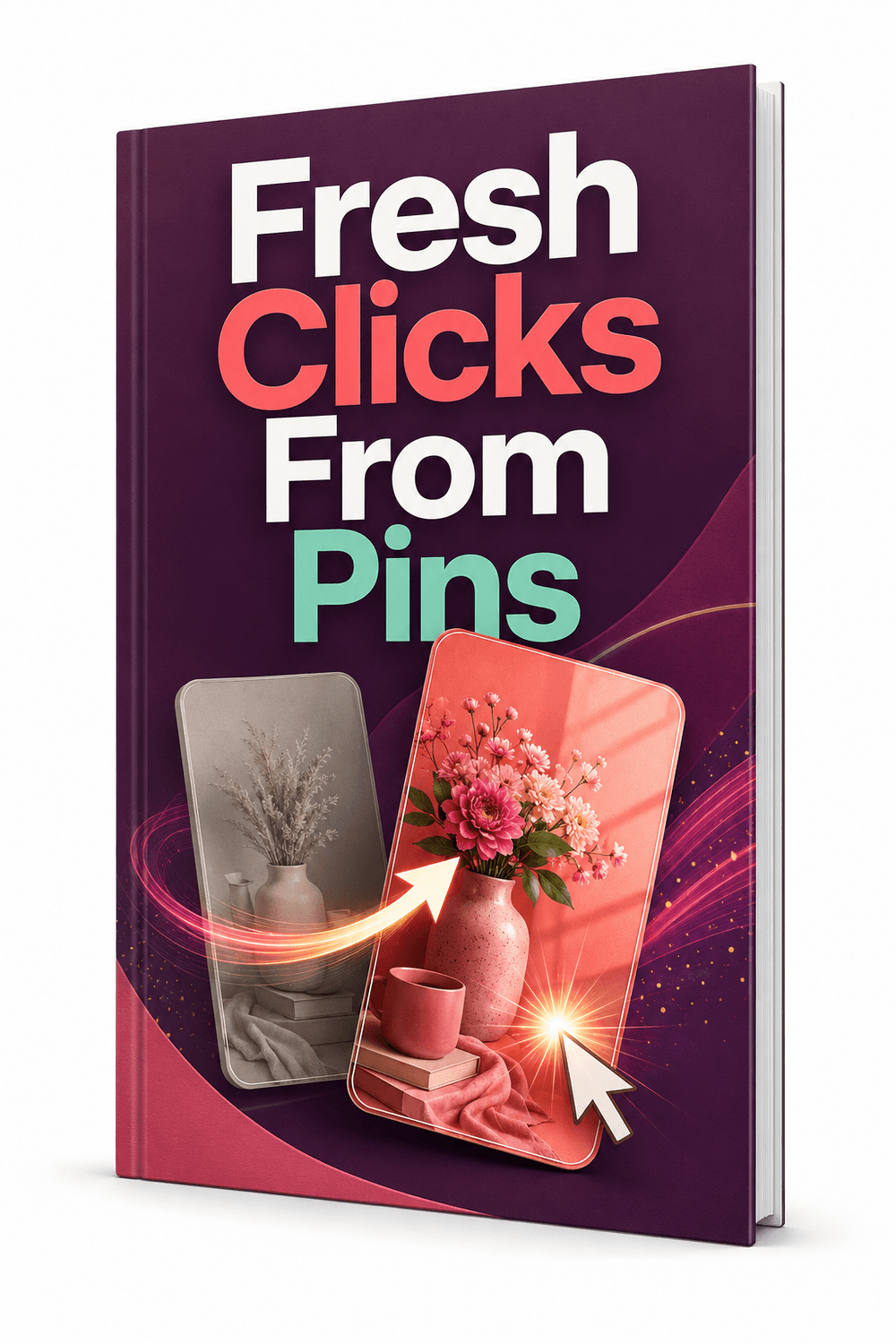
Good content can still be easy to overlook
When a Pinterest pin attracts little attention, it is easy to blame the topic, the content or the offer. Then comes the complete redesign: new colours, new image, new wording and a new layout—all changed at once, with no clear reason behind any of it.
But the entire pin may not be the problem. One weak element can hide an otherwise useful message: an image that does not reveal the subject, a headline that is too vague to recognise, or supporting text that gives people no compelling reason to click.
Stop redesigning by guesswork
Instead of treating every pin as a complete redesign project, use a focused process to find the element that is weakening the message, preserve the parts that already work and make one purposeful improvement.
Know the job each part of the pin must do.
Find the one element weakening the message most.
Change the weak element without discarding what works.
Put the stronger message to work.
Track the change and decide what to do next.
Choose your level of support
Start with the decision-making guide, add a focused Custom GPT diagnosis, or get the complete system for improving and organising pins from first check to final review.
Level 1 · Strategy
$17
Learn the strategy and apply it yourself
Choose this if: You want a clear method for assessing and improving pins yourself.
Get the Strategy GuideLevel 2 · Guided Action
$47
Strategy Guide + Custom GPT + Quick-Start Guide
Choose this if: You want the guide plus a focused diagnosis of what to change first.
Get the Action KitLevel 3 · Complete System
$67
Complete system with Workbook and browser tools
Choose this if: You want the complete workflow and one organised place for every pin check.
Get the Complete ToolkitOne-time purchase · Digital products · No physical items will be shipped
The decision-making framework
Every pin has three essential communication jobs. Test them separately and you can see where the message is breaking down instead of redesigning blindly.
Does the main visual earn attention and make the subject recognisable at feed size?
Does the wording clearly tell the intended visitor what the pin is actually about?
Does the supporting message add a credible reason to visit instead of repeating the title?
Your focused pin check
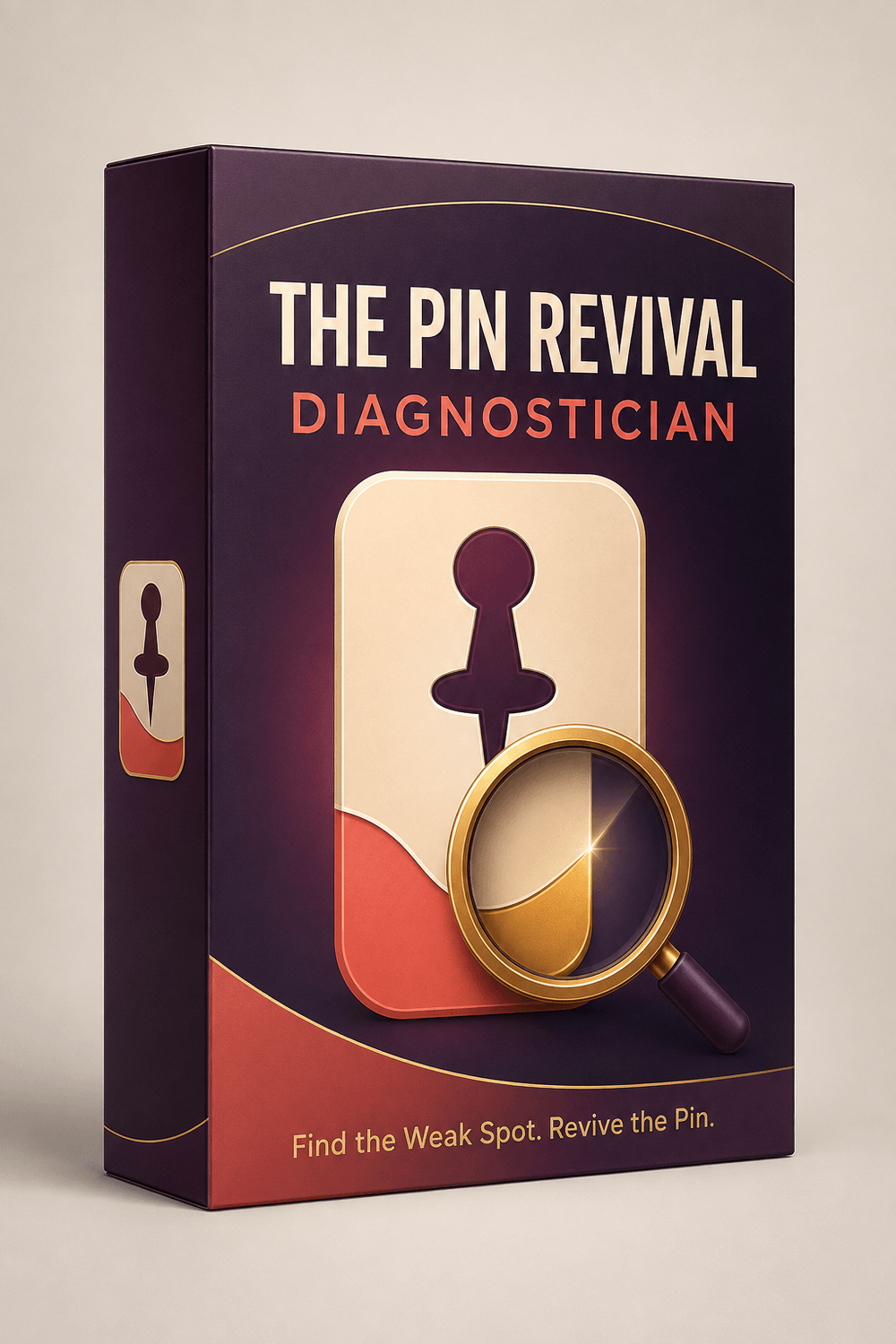
Upload one new or existing pin image. The Diagnostician checks the visual hook, searchable headline and click-driving promise, identifies the biggest likely creative weakness and gives you one focused replacement. You also learn what is already working—so a useful element is not changed merely for the sake of making the pin look different.
Important: This is a focused creative assessment. It does not claim to know the definitive reason a pin received limited traffic or guarantee results.
Plan it, publish it, remember what changed
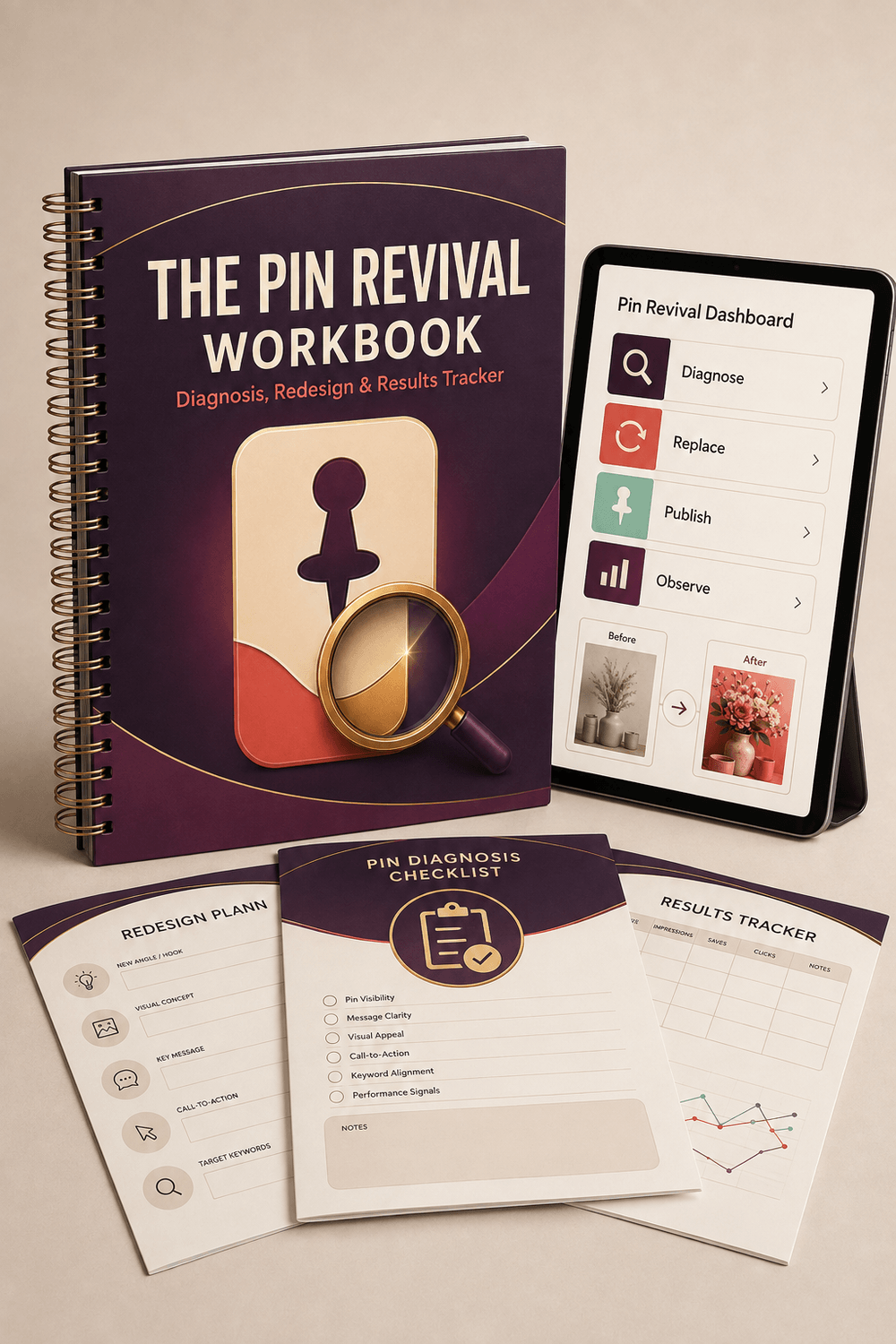
The Pin Revival Workbook keeps the recommendation from disappearing into an old ChatGPT conversation. Save the original pin, record the diagnosis, plan the focused change, add the revised version and note what happened next.
Choose the format that suits the way you work: printable, fillable, digital-handwriting or browser-based. The browser version includes image uploads, autosave, saved records, before-and-after comparisons, optional performance tracking, search, filters, backup and restore.
One pin. One weakness. One focused improvement.
Use the guide to understand the three creative triggers and confirm that the linked destination can support the pin’s promise.
Upload the pin. The Diagnostician finds the biggest likely creative weakness and the strongest element to preserve.
Make the focused change, then confirm that the revised message accurately matches the linked page.
Save the before-and-after pins, publication details and later observations in the Workbook.
Questions before you choose?
No. The system explains the decision process in clear language and focuses on one pin at a time. You do not need specialist design training or advanced analytics experience.
Yes. Upload a new pin design or Canva export before it goes live. The GPT can check its visual hook, searchable headline and click-driving promise so you can correct the most likely creative weakness before publishing.
You need access to ChatGPT and the ability to use shared Custom GPTs. ChatGPT availability, features and plan requirements may change, so please confirm current access in your own account.
The Diagnostician assesses the uploaded image and provides one focused replacement: revised wording or a clear visual direction. You apply the recommendation in your preferred design tool.
No. An image alone cannot reveal the definitive cause. The GPT assesses visible creative factors. Performance can also be affected by distribution, timing, targeting, demand, competition and the linked destination.
No. The Workbook and its printable, fillable, digital-handwriting and browser formats are exclusive to the Complete Revival Toolkit.
The browser version saves records locally in the browser on the device you use. Its backup and restore tools help you move or safeguard your records. Clearing browser data may remove locally saved information.
No. The products provide education, focused creative guidance and organisational tools. Results depend on many factors, including your content, account, audience, timing and implementation.
Stop changing everything. Start improving the right thing.
Check a new pin before publishing or uncover what may be weakening an existing one. Choose the level of help you need, protect what already works and make the next change for a clear reason.
Choose Your Pin Improvement System